Visual Identity Application
As communication is becoming increasingly visual and tools more accessible, more and more people are producing their own communication materials. Even when work gets busy, it is good to keep in mind that the visual look of our communications has a major impact on what people think about the Finnish Red Cross. By following the guidelines for our visual identity, we create a consistent and distinctive visual identity. This consistency helps people identify our message and builds trust in our organisation and our work.
The visual identity guidelines and the examples of their use compiled on this page help us produce consistent communications and materials that are in line with our organisation’s visual identity. These use cases are supplemented by templates and designs that have been and will be created for the Material Bank and Canva. You’ll have access to all the templates and designs by registering with the Material Bank and creating a Canva account.
For help and support with registering for the Material Bank, its use, using the guidelines, designs, templates and other communication and marketing materials, and getting started with Canva, please contact the Communications Services unit at our Headquarters: aineistot@redcross.fi.
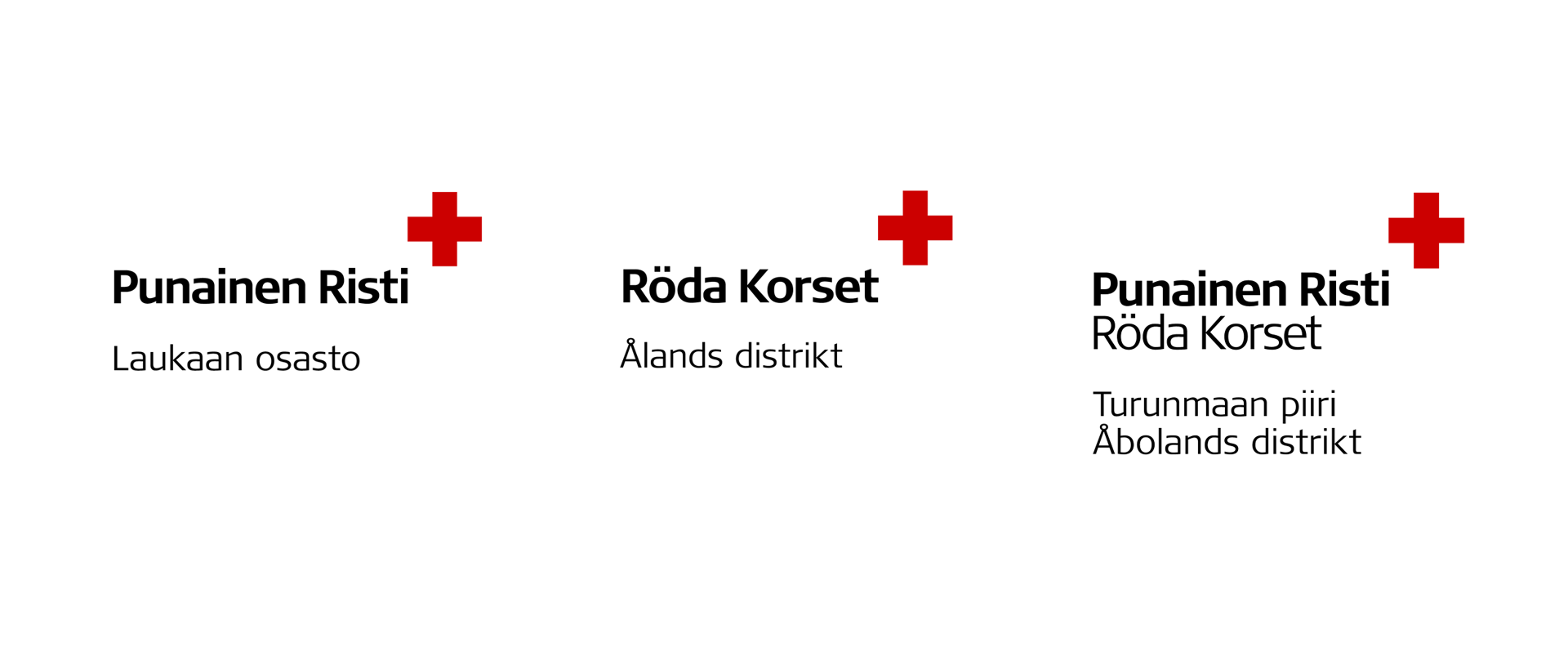
Logos of local activities and their use
Guidance on the use of the Finnish Red Cross organisation logo is provided here. Each district, branch and other local organisation has its own logo that can be downloaded from the Material Bank. Instructions on how to use the logo are provided here.
Logos for are only produced by the Communications Services unit. Logos may not be produced by branches and districts or commissioned from third parties. If necessary, please contact aineistot@redcross.fi.
Printed and printable materials
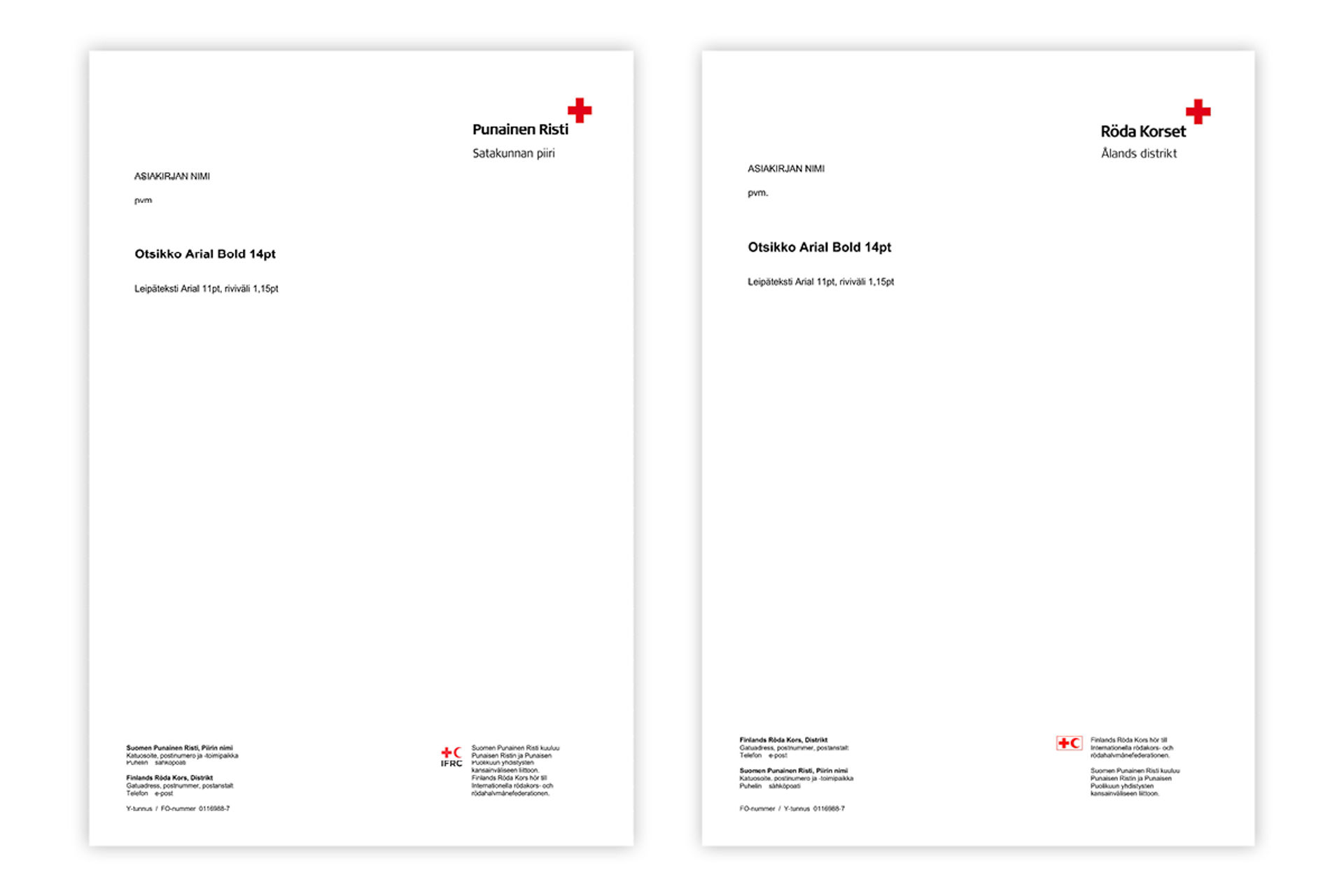
The Material Bank has Word letter templates for use by branches, districts and the Headquarters. You can replace the document emblem with your own logo, but please remember to include an exclusion zone as instructed. You can print out the Word form, but it is not suitable to be used for printing services.
Further information: Communications, aineistot@redcross.fi
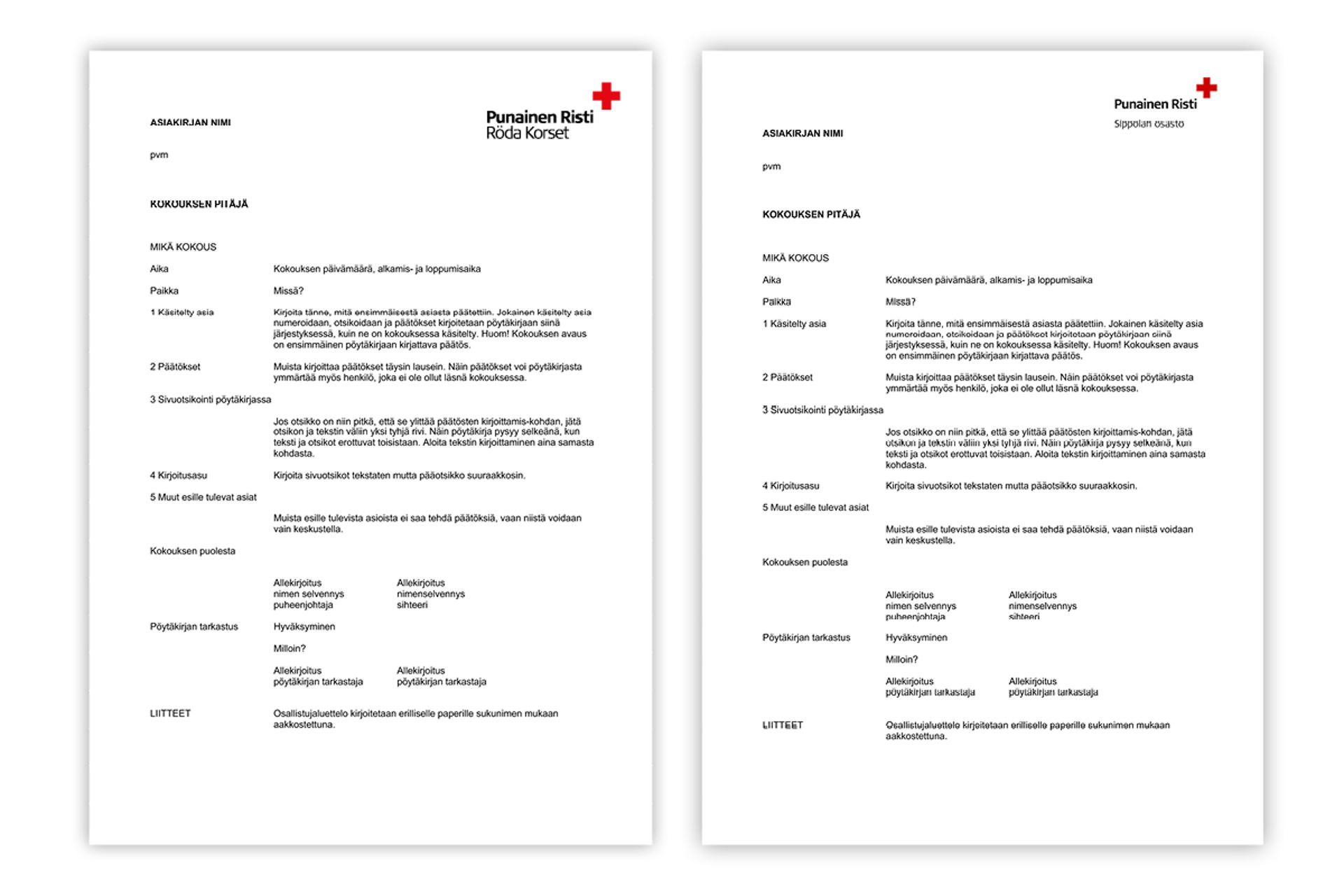
You can find editable press release templates (Word) for branches and districts in the Material Bank.
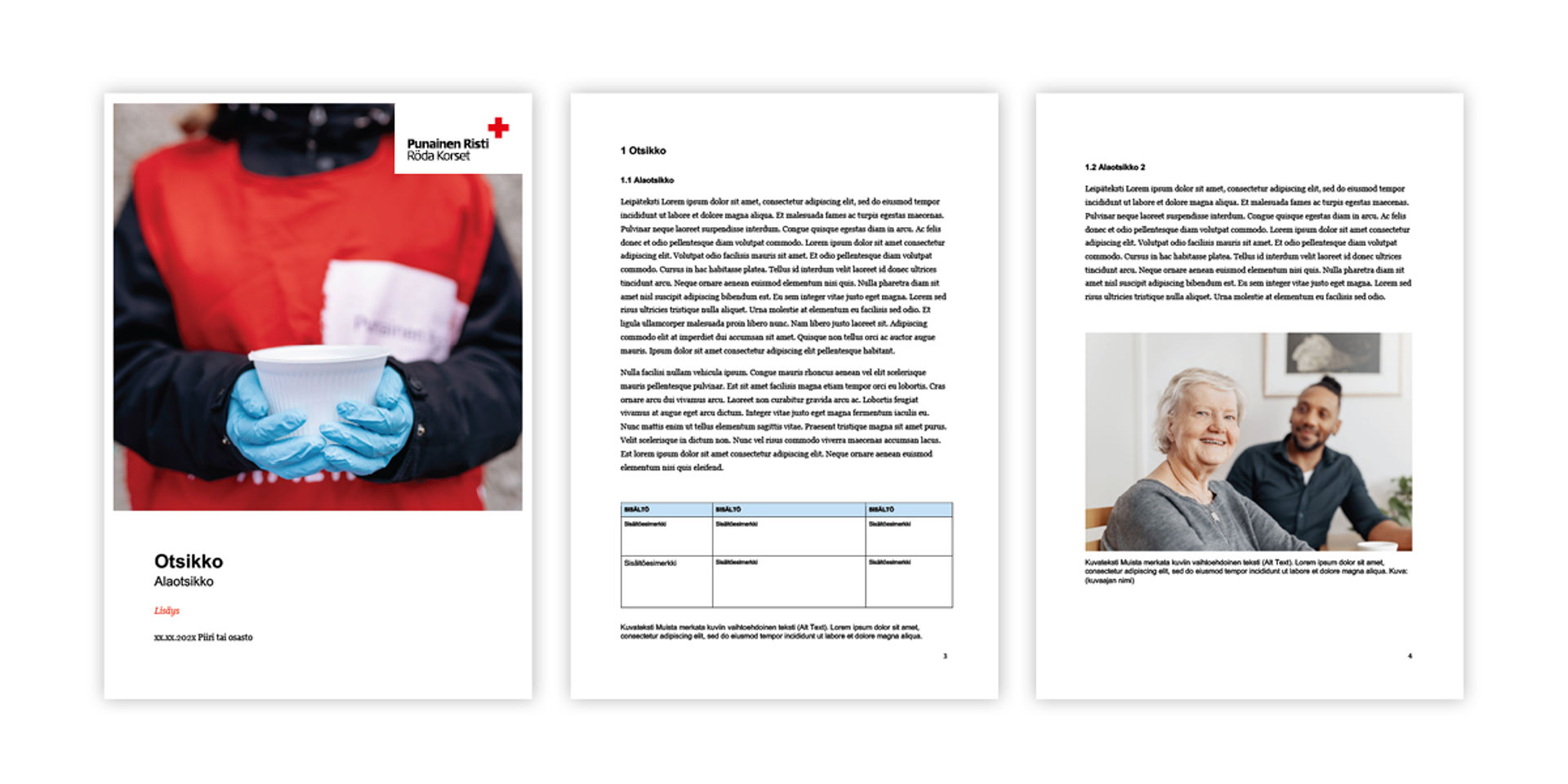
The Material Bank has a Word document template for longer documents. The template has examples and placeholders for images, captions, tables and other elements. You can replace the document emblem with your own logo, but please remember to include an exclusion zone as instructed.
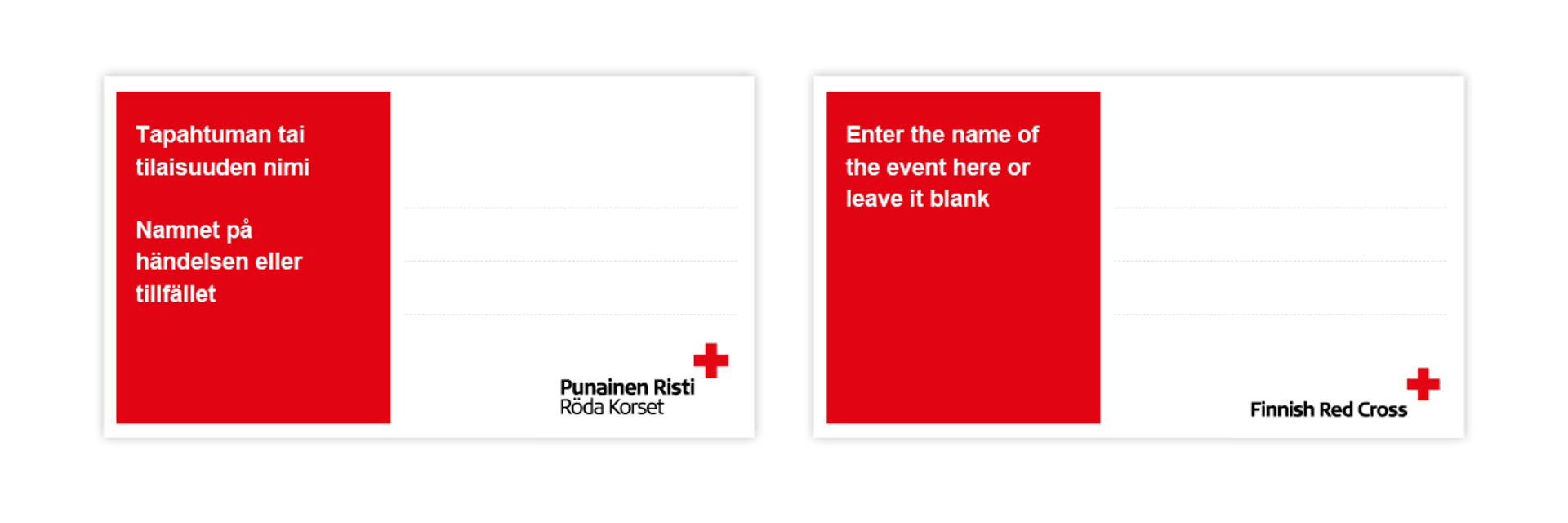
You can order printed name tags from punaisenristinkauppa.fi.
The Material Bank has a name tag you can print out yourself, which is used in other contexts (e.g. for training courses).
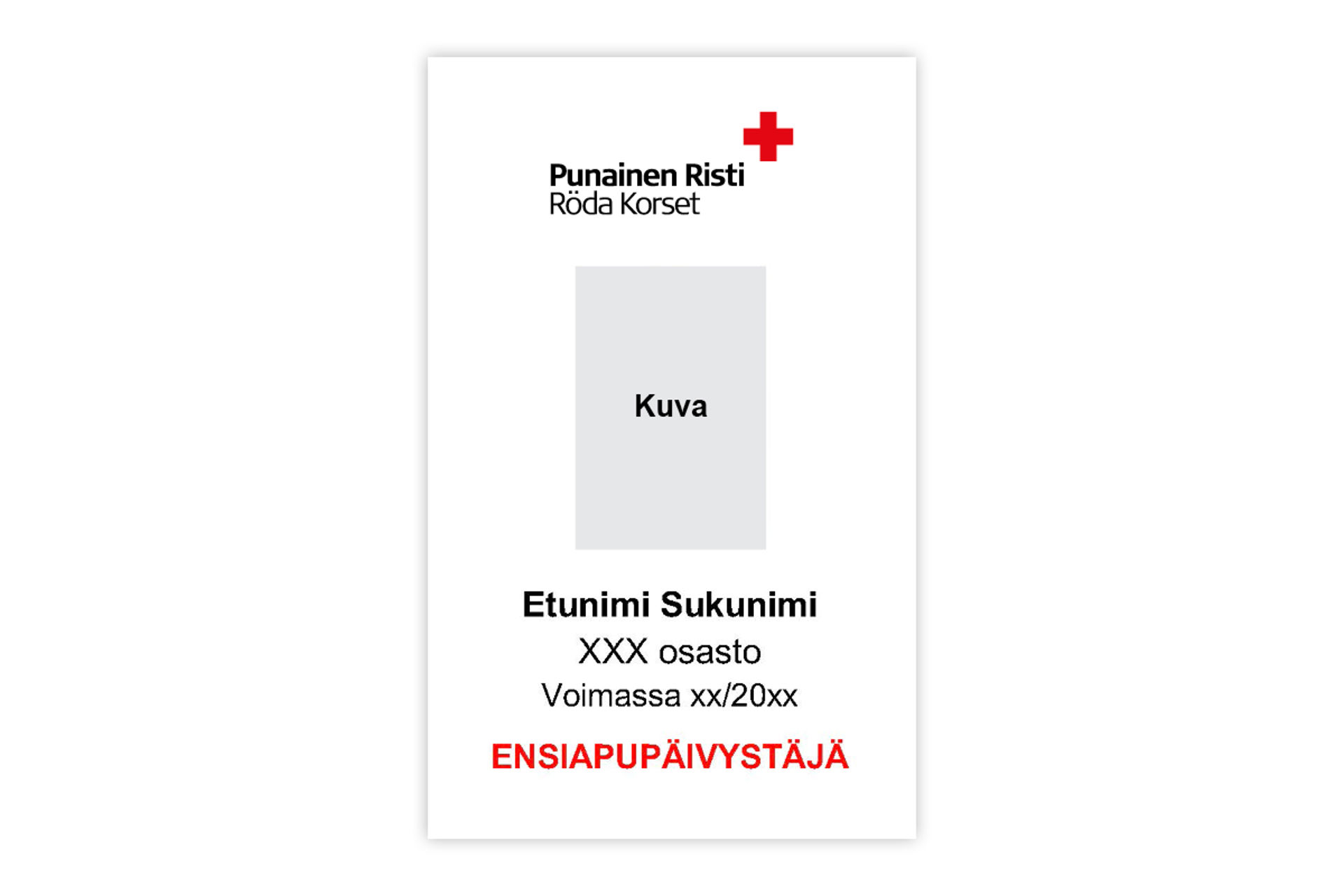
You can find instructions on how to order staff ID cards for the Headquarters and district staff on the intranet.
The Material Bank has a printable template for branch ID cards.
Announcements, advertisements and posters consist of the basic elements of our visual identity: the organisation’s logo and the image and text zones. The layout of the elements varies depending on the subject matter and the requirements of the medium. The organisation logo must be placed as instructed on a white area, including an exclusion zone, in the top right-hand or bottom right-hand corner of the announcement.
Advertisements for national campaigns follow the visual identity of each campaign. Headquarters produce announcements and announcement templates for national campaigns and fundraising drives.
You can find editable templates in the Material Bank and on Canva.
Further information: aineistot@redcross.fi
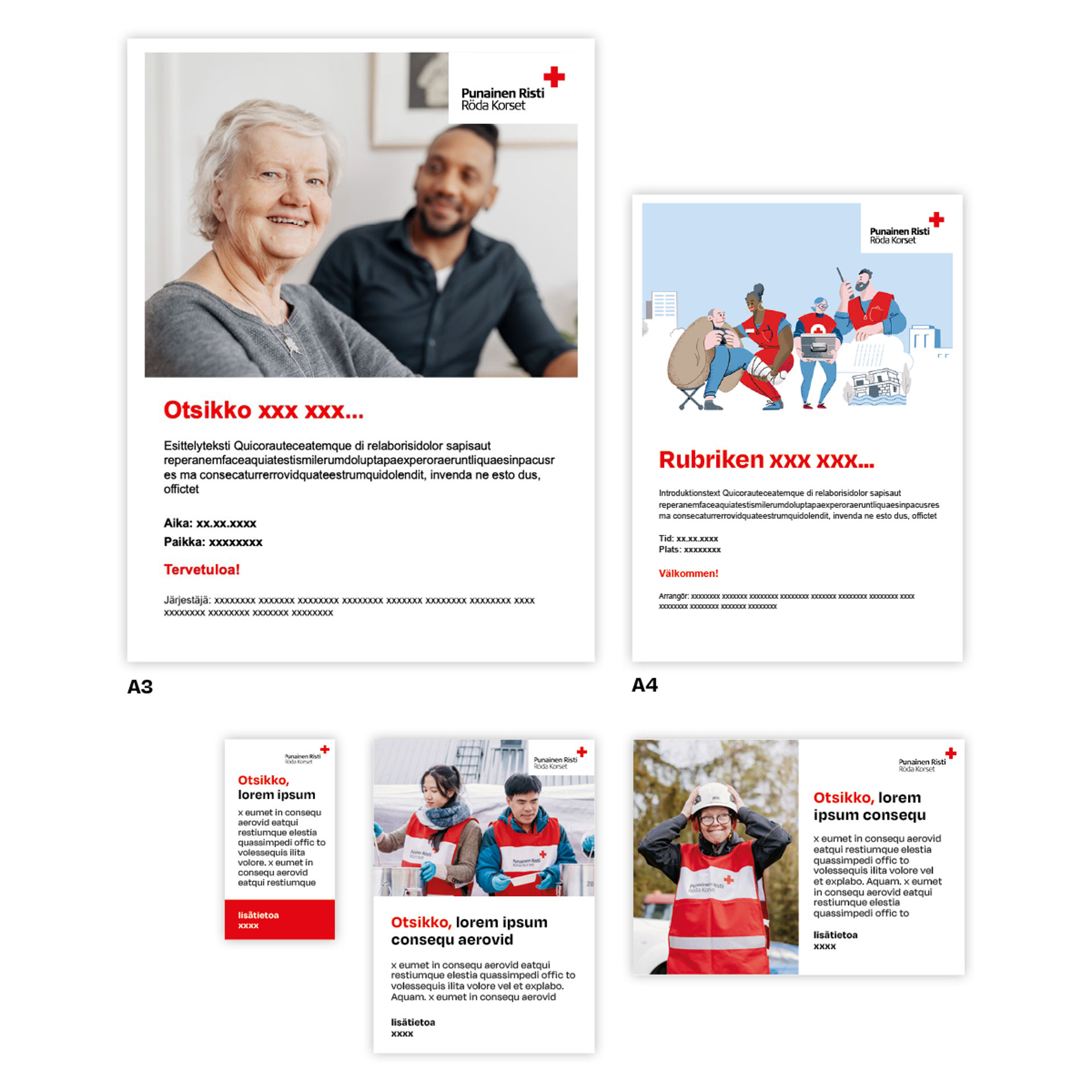
The Finnish Red Cross Headquarters produce the organisation’s national brochures and promotional materials.
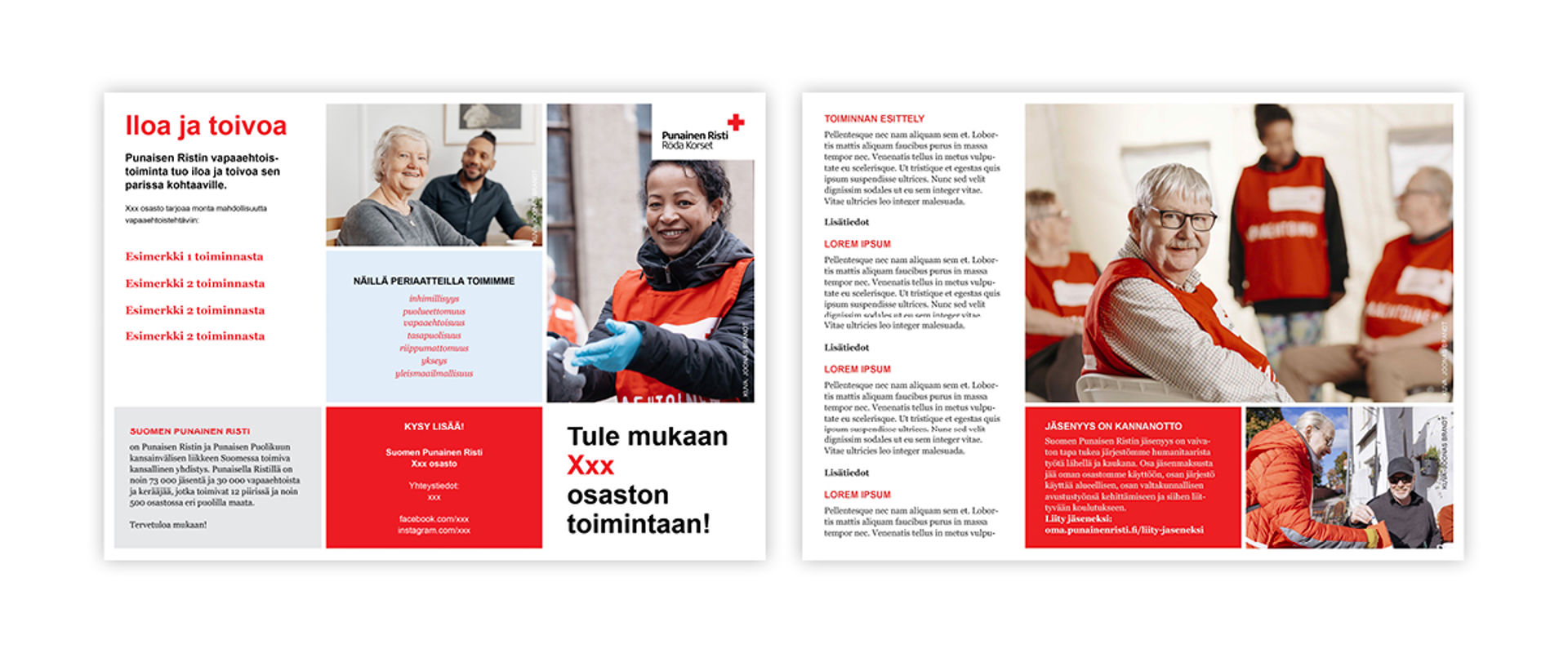
You can find the layout template and design for the branch brochure in the Material Bank and Canva. The brochure is an accordion-fold brochure created by folding an A4 sheet horizontally into three sections. The layout template for printing is available both as a Word file and on Canva. A brochure created in Word is suitable for printing yourself, and you can produce printing service-ready material in Canva, provided the images are of sufficient quality (100% at 300 dpi).
You can find the layout templates in the Material Bank and on Canva, link to the layout template in the Material Bank.
You can order ready-made printed products from our online shop.
Branch brochure, accordion-fold
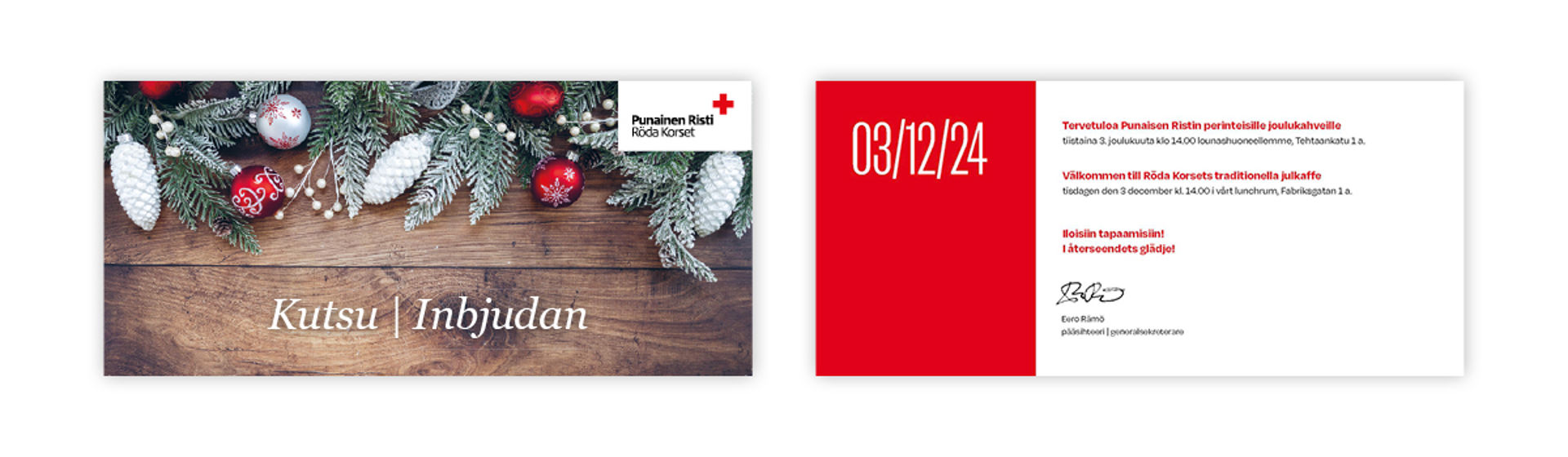
The standard size for a printed invitation is usually A5, either portrait or landscape. Headquarters have produced invitation templates used as the page layout of the invitations.
Headquarters also produce editable and printable invitation templates available in the Material Bank and Canva for the branches to use independently.
Further information: aineistot@redcross.fi
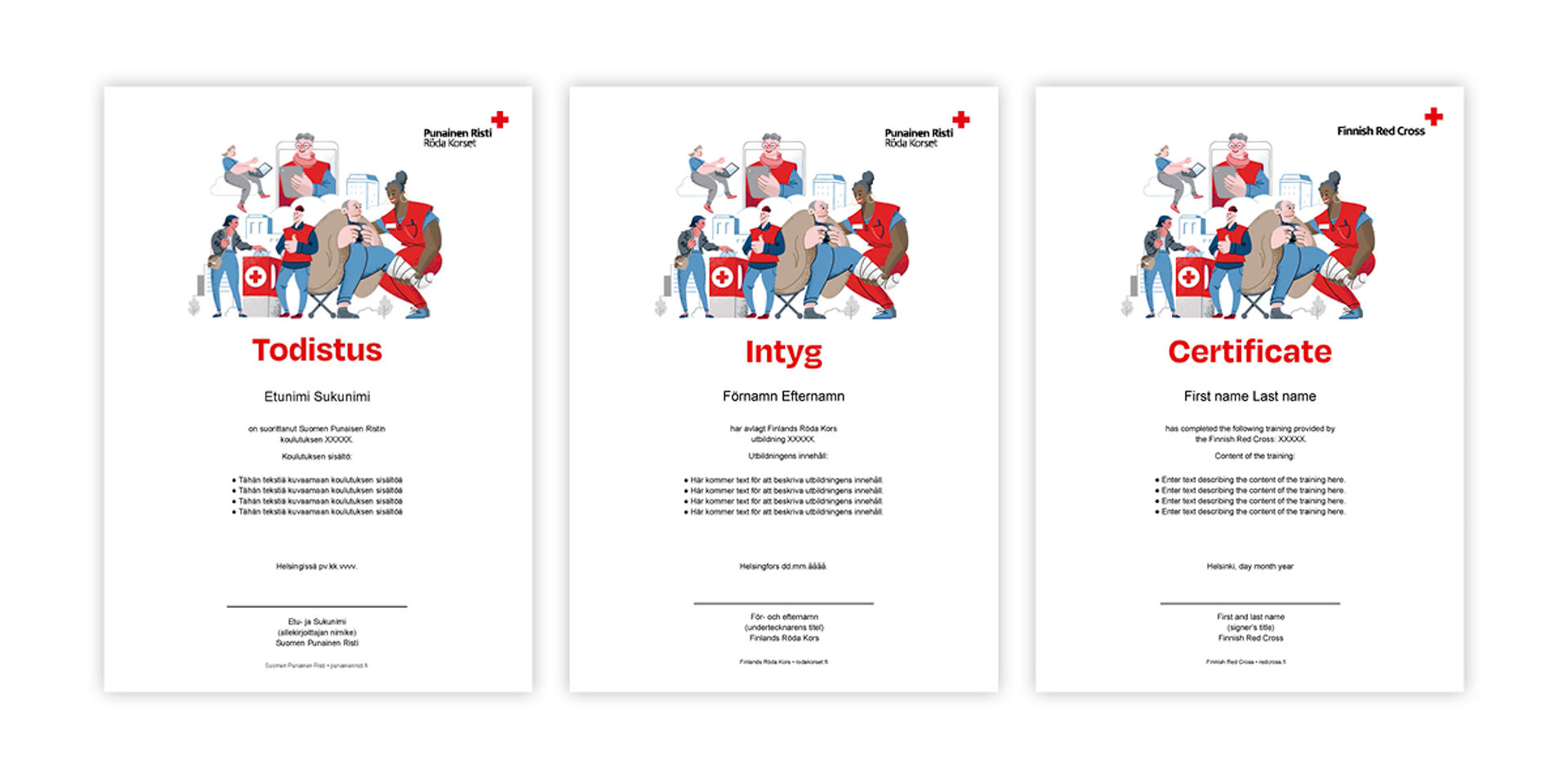
The template for training course certificates is available in the Material Bank and in Canva. It is A4 in size. You can fill in the participant’s name and the course content in the certificate before printing it out.
Digital resources
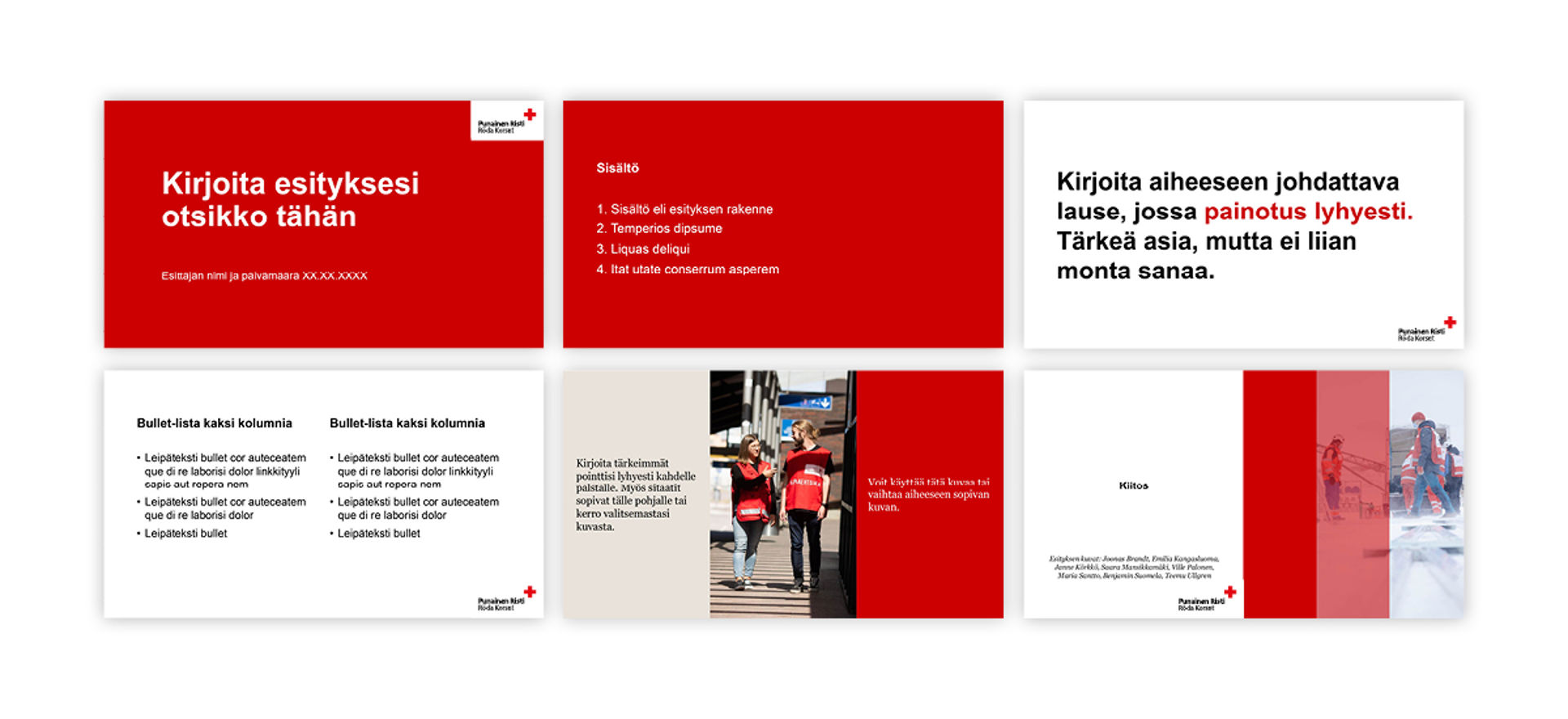
The Material Bank has the template and guidelines for PowerPoint presentations. In addition, Headquarters produce ready-made PowerPoint presentations and slides that can be found in the Material Bank.
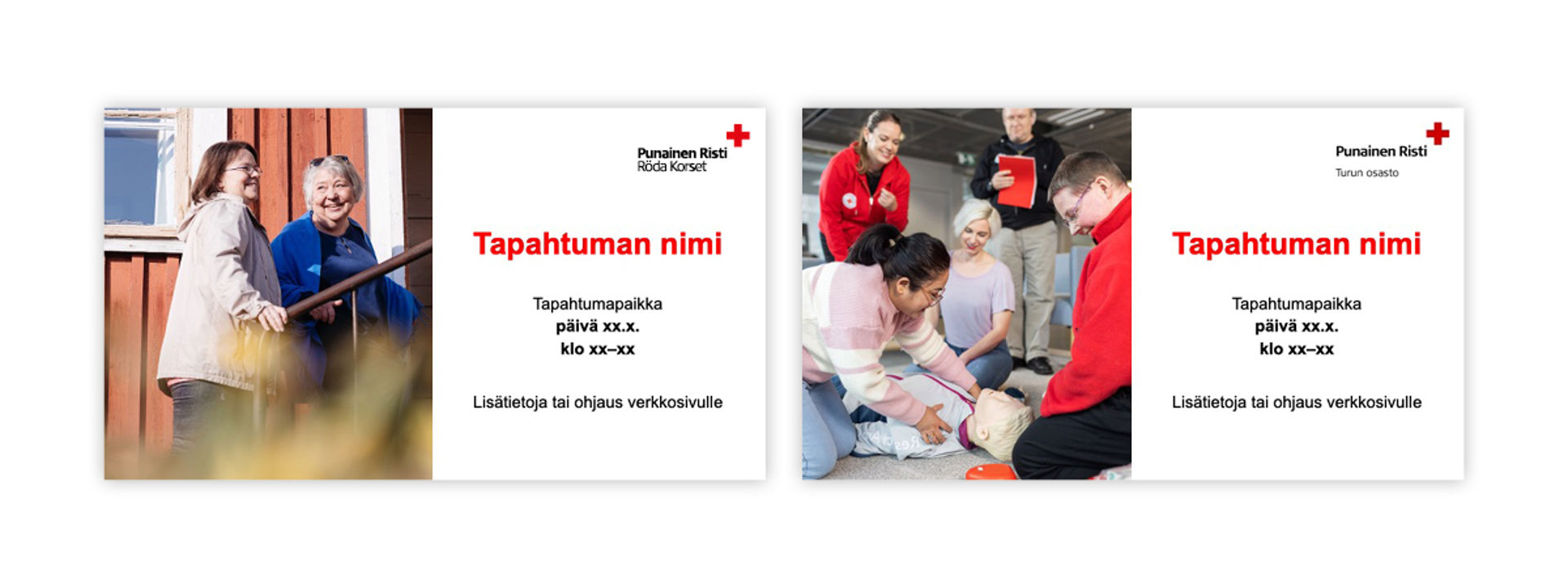
You can use the templates available in the Media Bank for your event communications on displays and screens. The images and logos can be changed, and you can find more image options in the Material Bank.
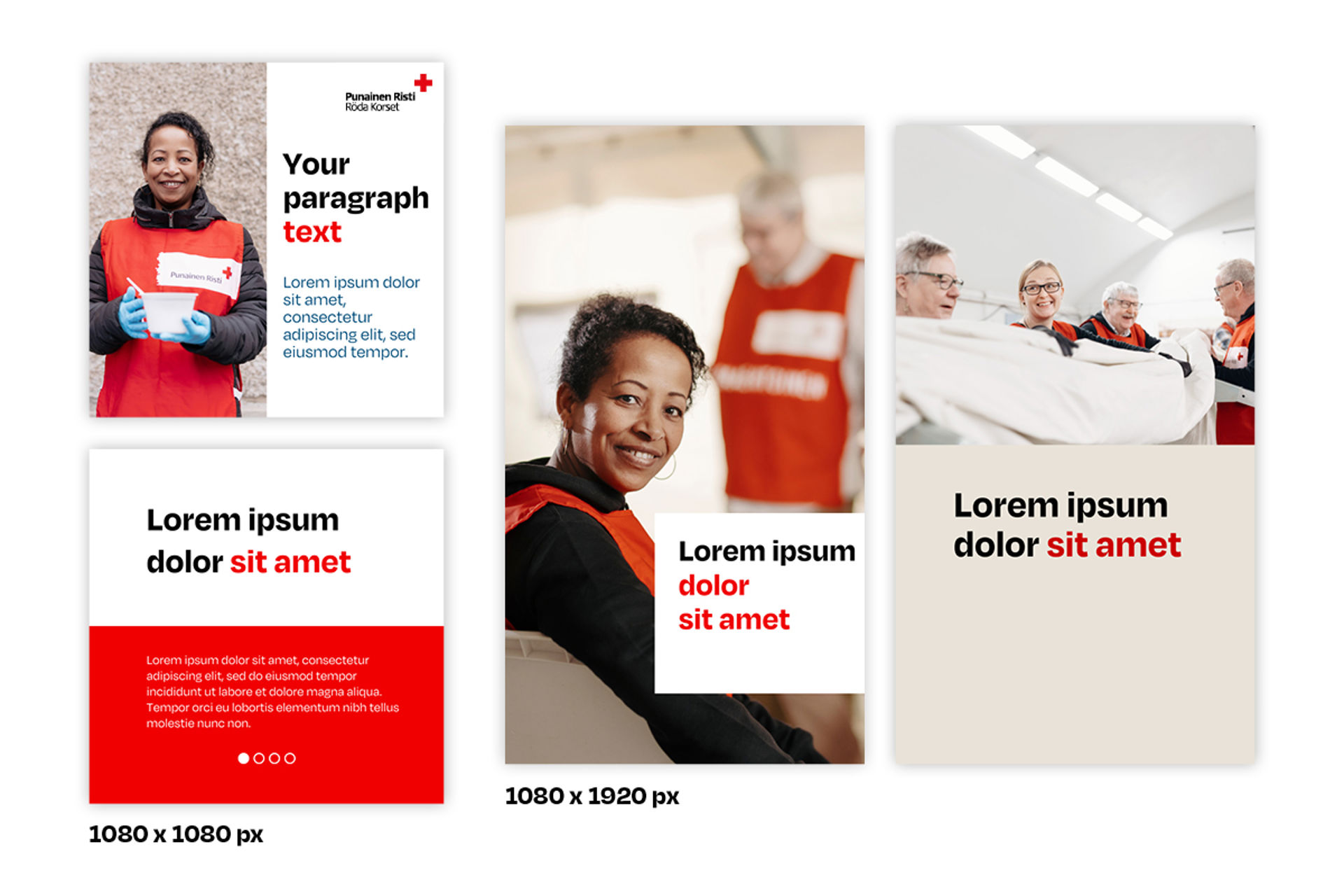
Templates for communications and marketing on different social media channels can be found in both the Material Bank and Canva.
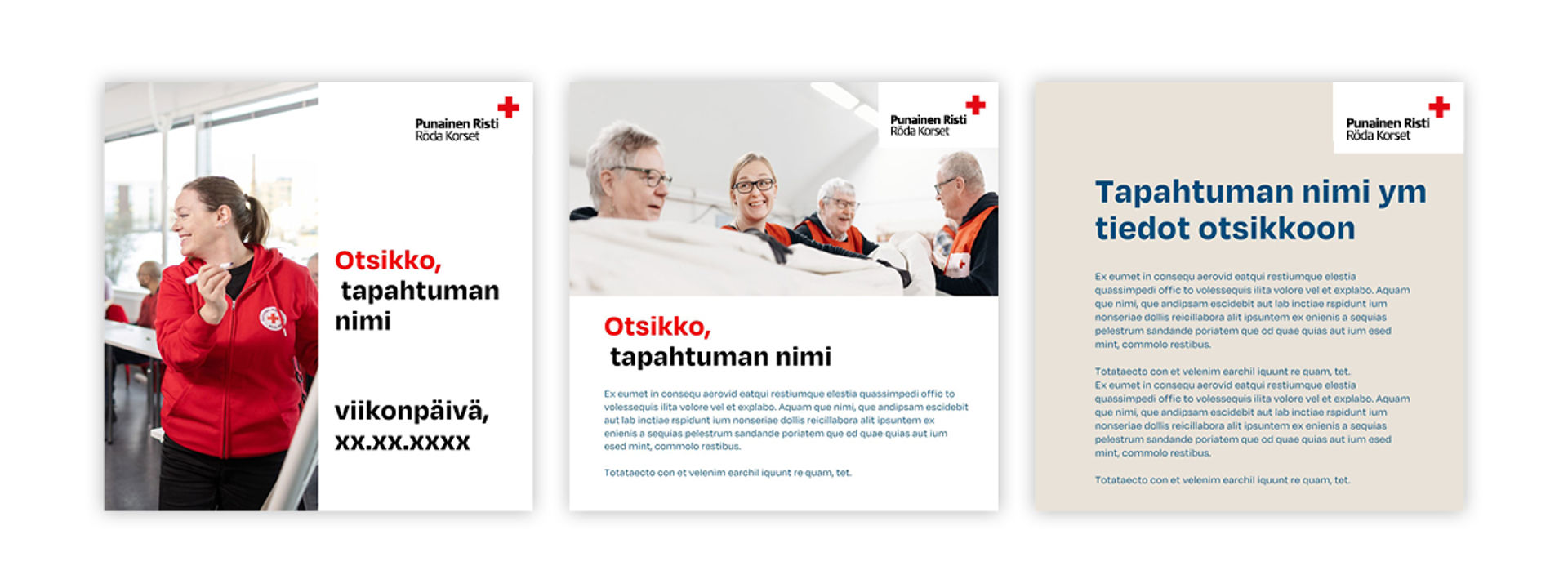
You can use the ready-made templates available in the Material Bank for your event communications and marketing on social media channels. You can find ready-made campaign templates in the campaign material folders.
Venues and events
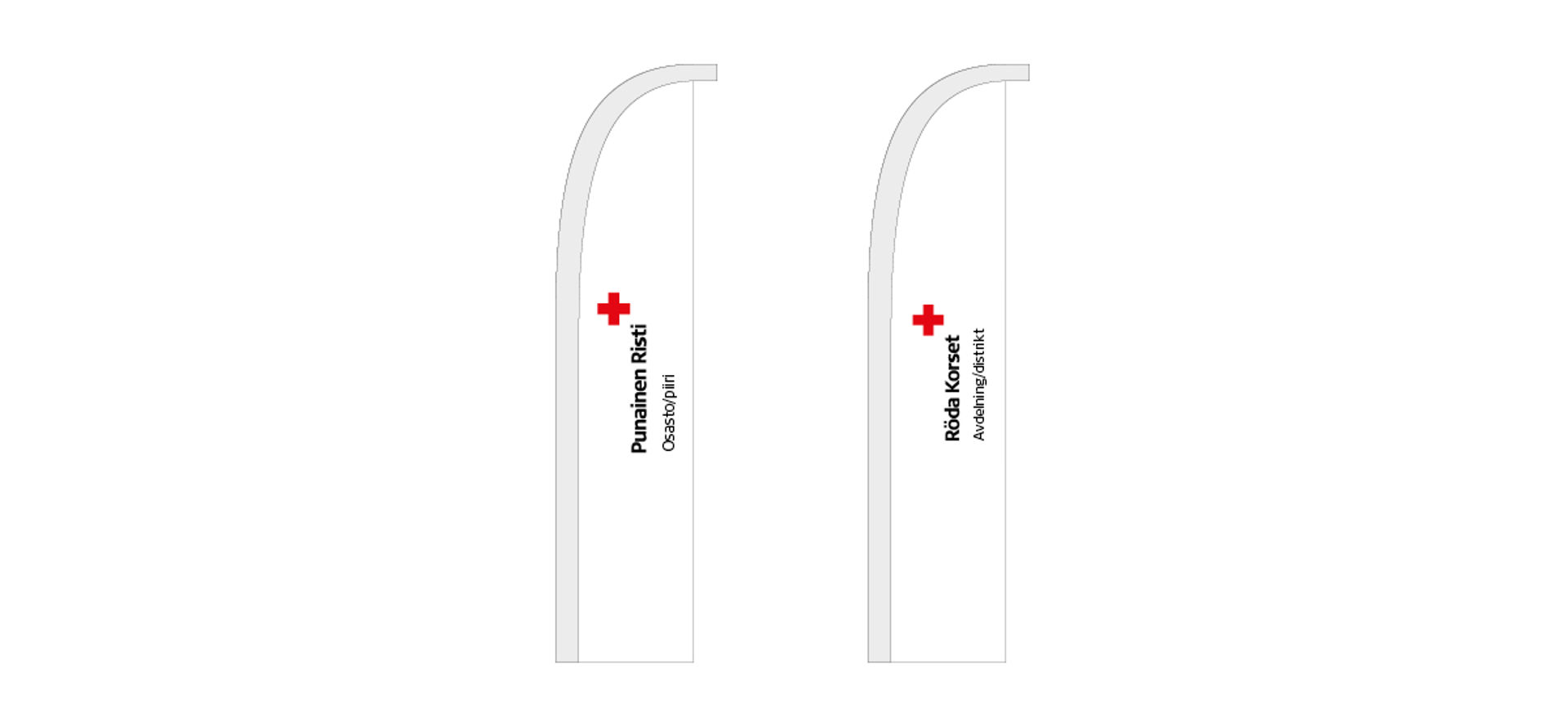
Headquarters produce beach flag materials centrally, including for districts and branches. You can find the flag designs, size options and ordering instructions in the Material Bank.
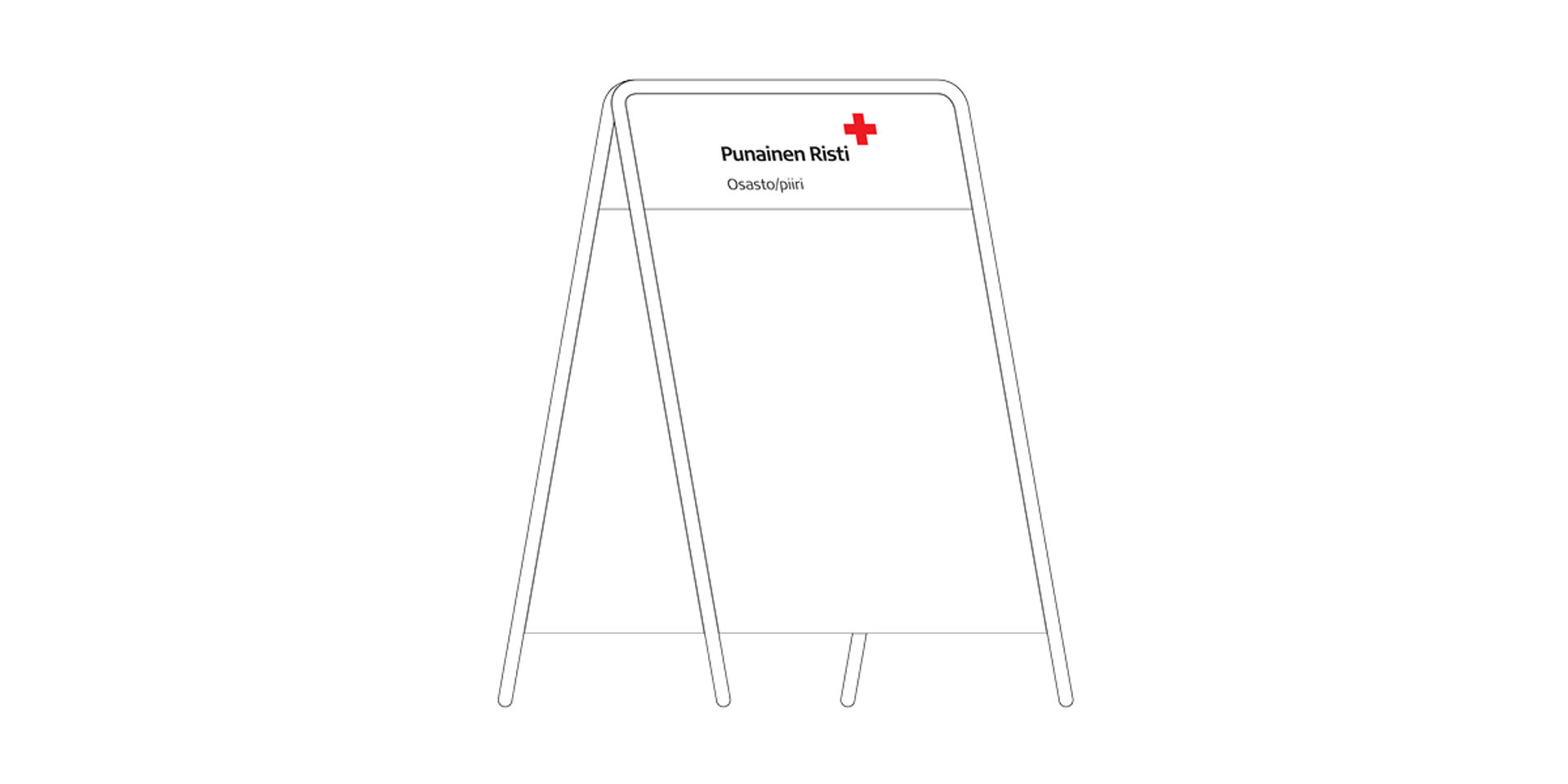
Street stands or A-boards are used for posters or other current messaging. The recommended colour for boards is white.
The district or branch logo should be placed at the top, leaving at least the logo’s an exclusion zone of space around it.
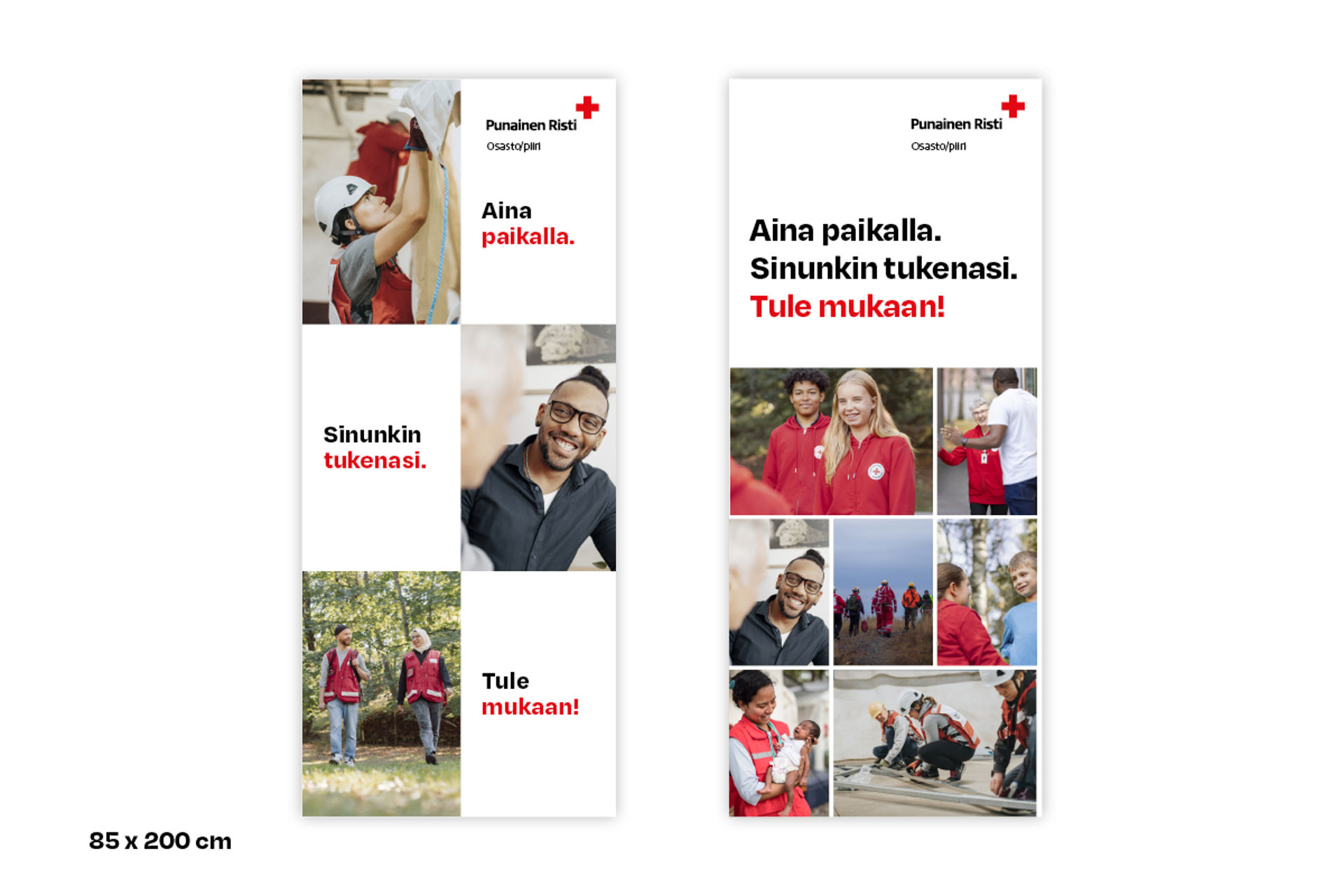
There are two different roll-up banner options available for use by branches and districts. Ordering instructions and templates can be found in the Material Bank.
The Headquarters produce roll-ups banners for national programmes, operations, campaigns and fundraising drives, and these will be available to order from the online shop.
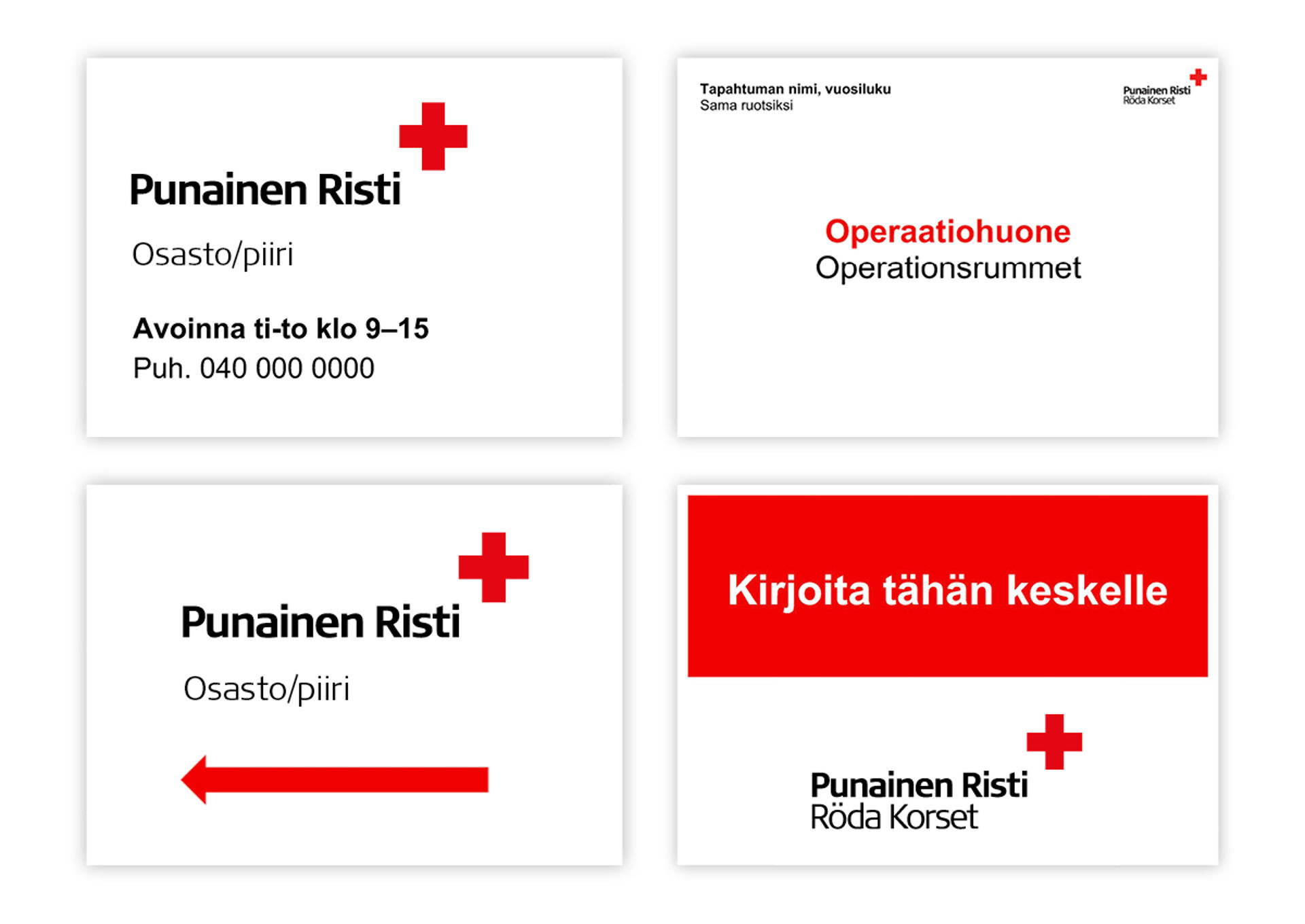
When designing permanent signage, consideration is given to the characteristics of the installation site, such as weather resistance, size, the information the sign must contain and any other route guidance information.
The signs can also be printed out if necessary. You can find the signage templates in the Material Bank. If you cannot find a suitable template, please contact aineistot@redcross.fi.
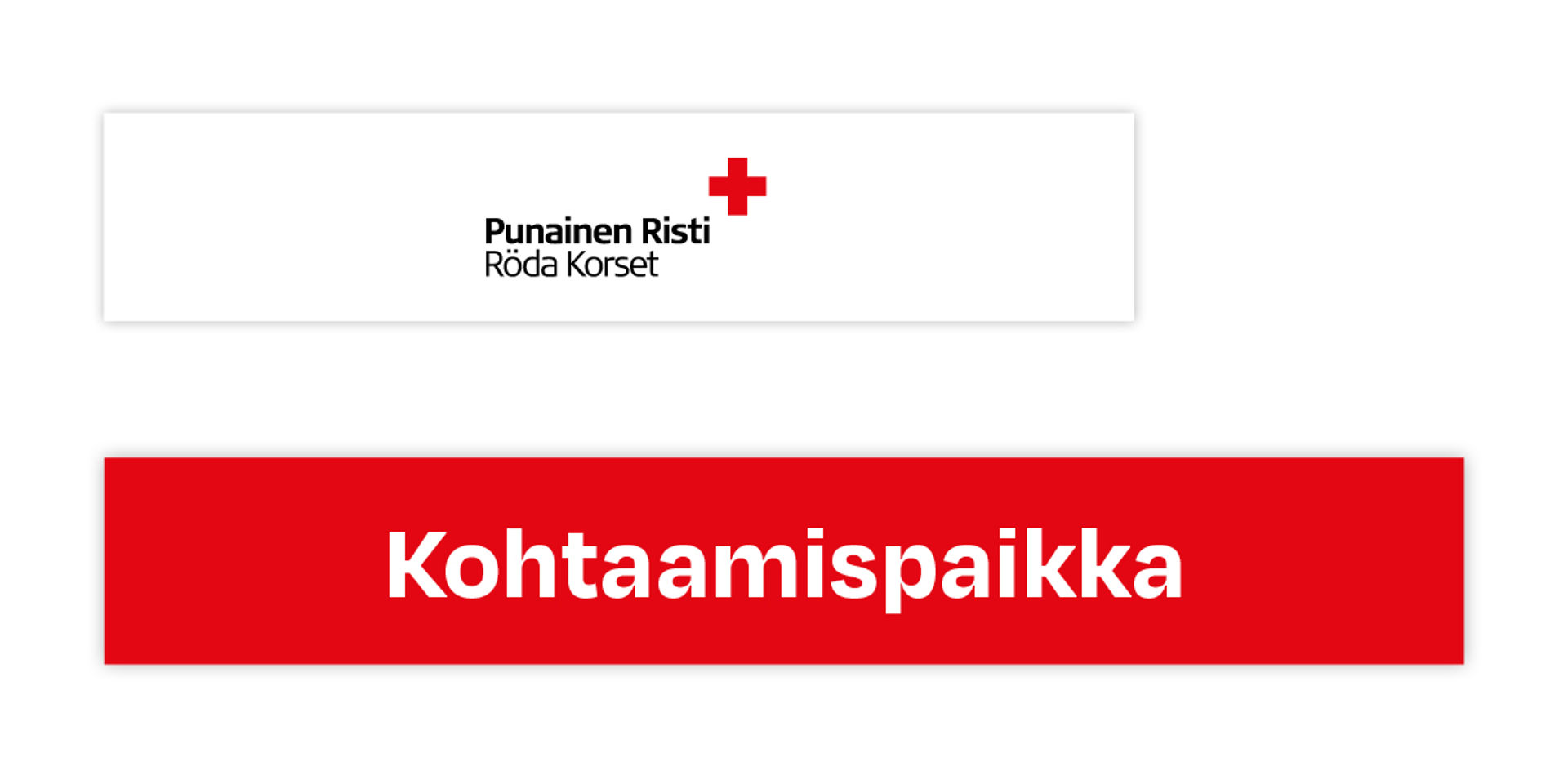
The front board of a fair or exhibition stand usually only features the organisation logo. However, it can also include a message relating to the branch’s theme, such as in the example below.
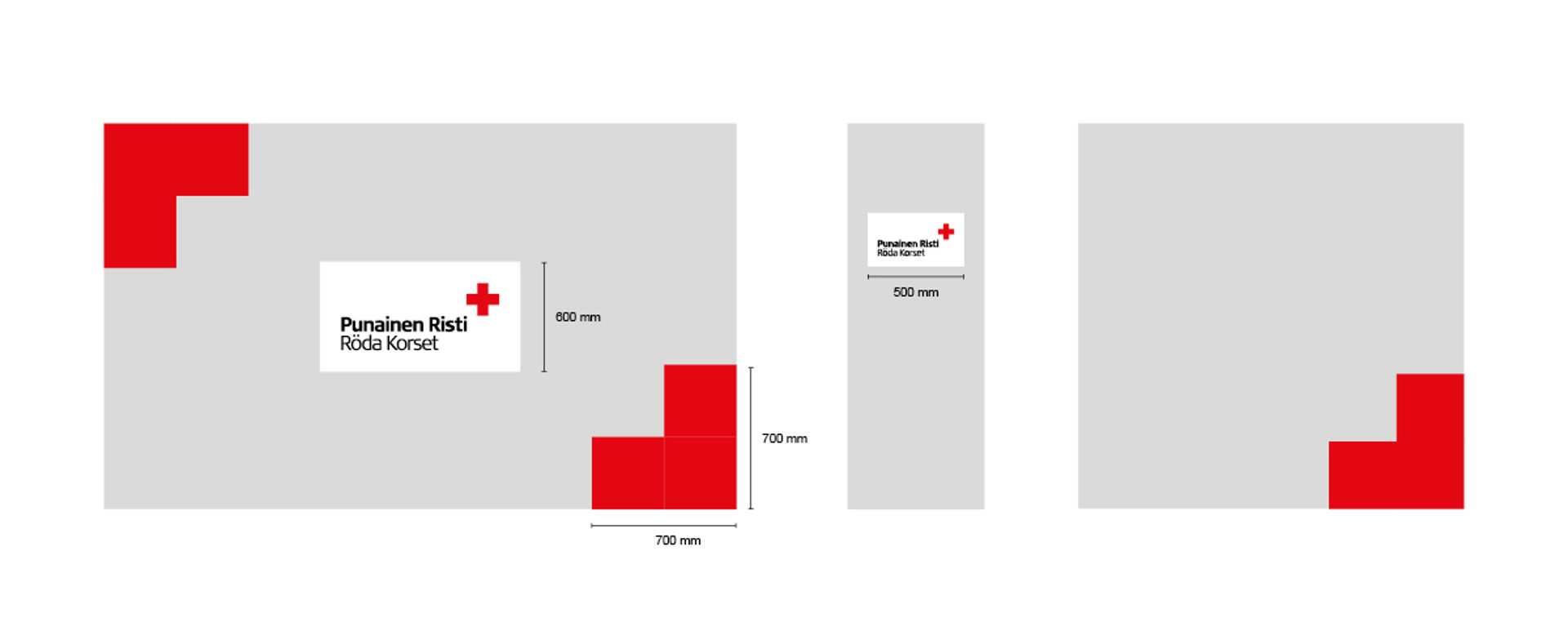
The window decals for premises feature the organisation logo and a corner element derived from a red cross.
If the premises are farther from the street/road, signage should be installed next to the main street if possible. A street stand can also be a great option when the premises have no ‘shop window’.
Please note! Before you start designing the façade, find out what requirements have been set for it in the building specifications. For example, the regulations in a protected site can be very strict.
District or branch logo
If there are no display windows, the district or branch logo may also be placed in a lightbox.
Sign
A sign attached to the door or wall, or a decal placed on the door, should display the name of the unit, its service hours and any other necessary information.
If the organisation’s logo does not appear elsewhere on the façade, or if there is no actual façade, the logo should be placed on a door or a wall sign.
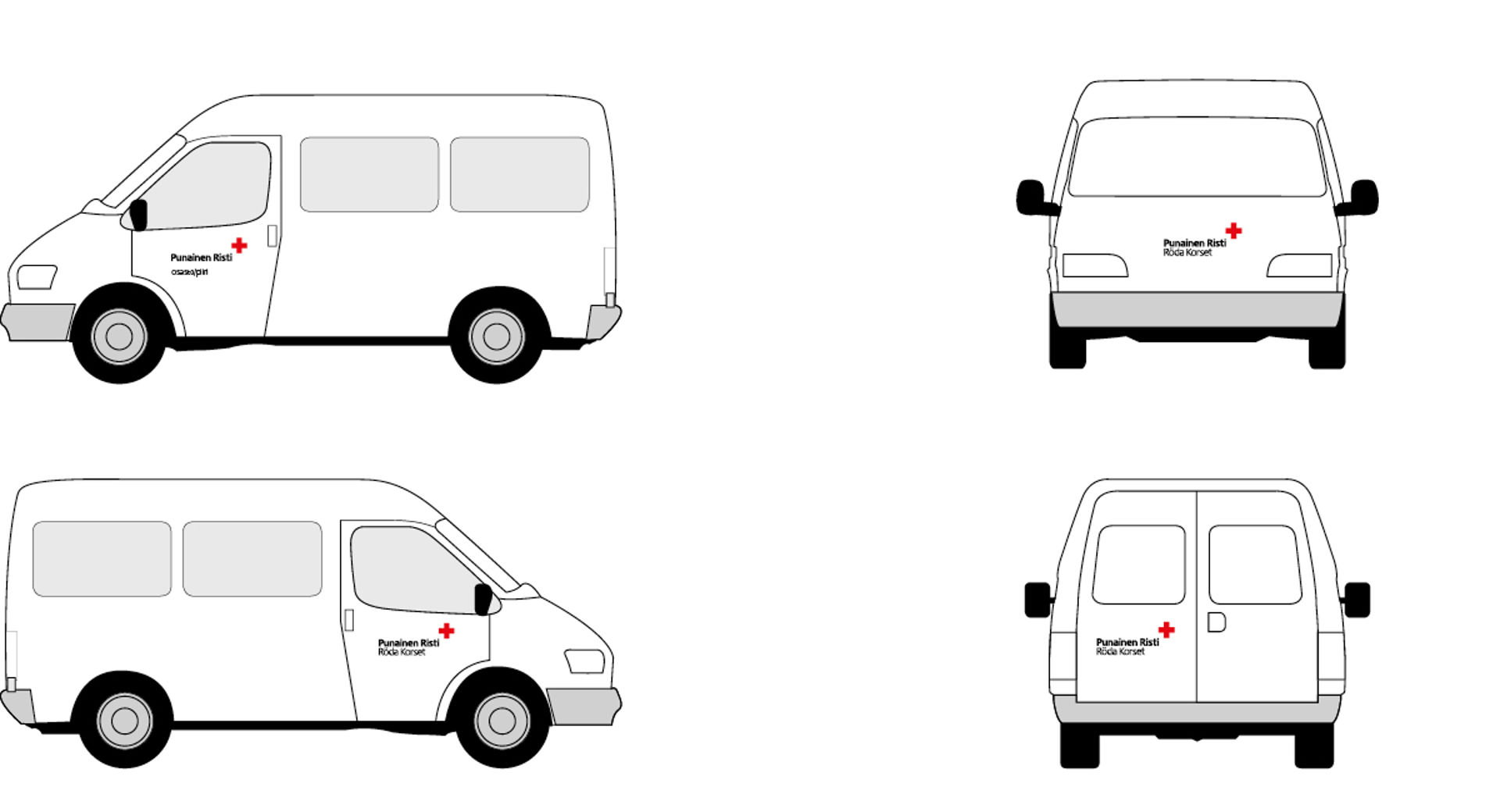
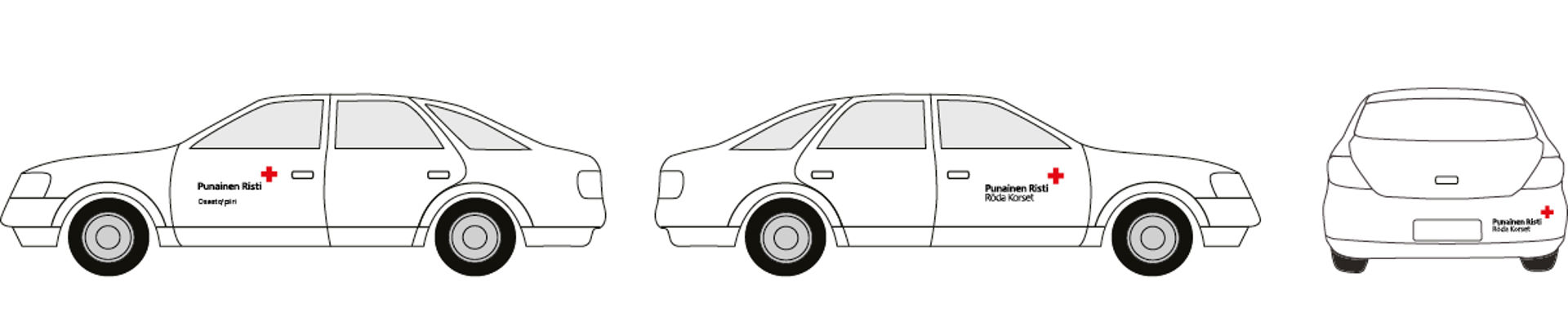
The Finnish Red Cross’s vehicles are white. Cars of other colours are not marked with the organisation’s insignia. A key element of vehicle decals is the organisation’s logo. On the driver’s side, you can use the branch or district logo. The organisation logo should be placed on the passenger side. The organisation logo should also be placed on the rear of the vehicle.
Van
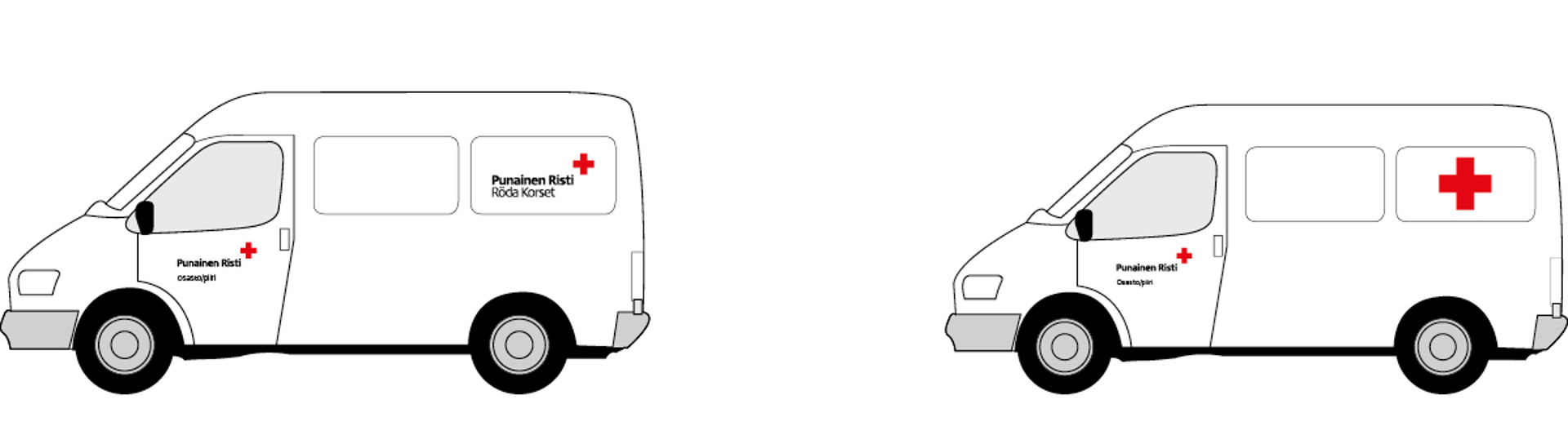
A van with no windows at the rear must display the organisation logo in the top corner of the side of the vehicle, in addition to the door decals. When the vehicle is used for medical transport, a protection symbol must be affixed with magnetic tape over the organisation’s logo on the side of the vehicle. You can get help with the magnetic taping from aineistot@redcross.fi
A van with windows at the back:
A van with no windows at the back:
Car
In cars, the branch or district logo may be displayed on the driver’s side. The organisation logo should be placed on the passenger side. On the rear of the car, the organisation logo should be placed wherever it fits best. The front of the car should have no decals.
Cars:
On-call service vehicle
For more information on the decals of the on-call service vehicle, please contact aineistot@redcross.fi